You can ship a music video without ever picking up a camera
The hardest part of releasing music as an indie artist in 2024 wasn't writing or recording — it was the video. Hiring a director, locking a location, paying a crew, casting talent, and editing meant a $2,000 minimum and a 2-week timeline per release. Most artists just skipped the video, posted album art over the audio, and watched their streams flatline on TikTok and YouTube.
In 2026 that math is broken. You can ship a publishable music video in under an hour with no camera, no location, no actors, and no budget. Six working approaches, all proven in 2026 by indie artists publishing weekly.
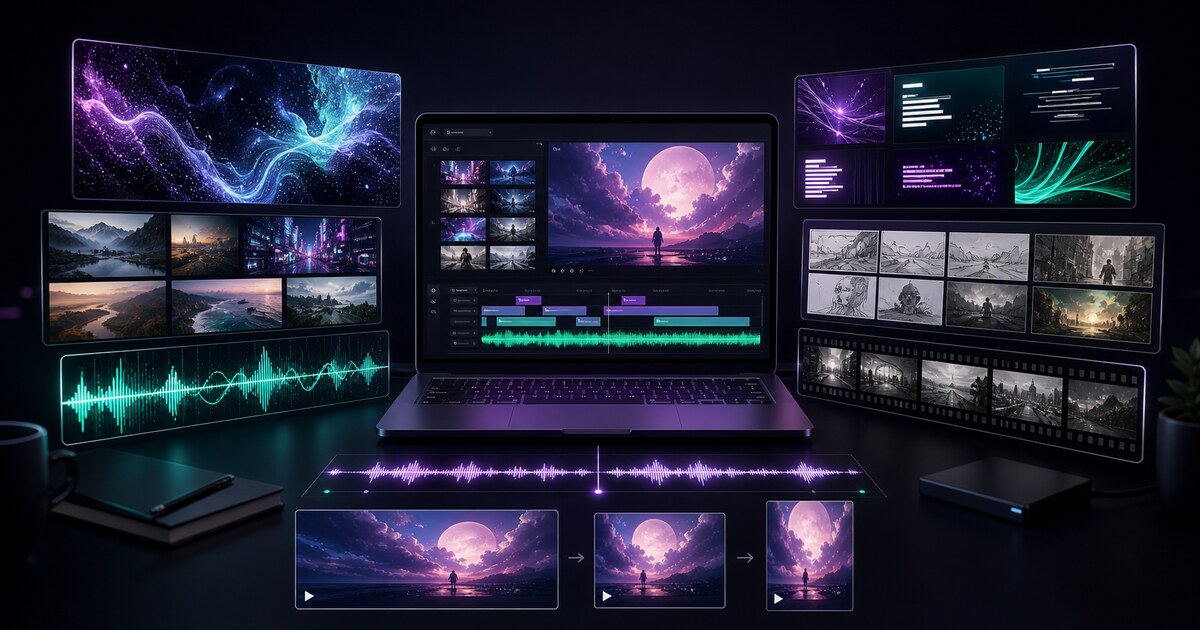
Why "no-filming" videos actually work in 2026
A few years ago a music video without footage of the artist felt cheap. In 2026, three things changed:
- TikTok and Reels are 80% lyric-driven. Viewers want lyrics on screen, not bands in warehouses. Vertical lyric videos outperform shot-on-camera music videos for new artists by ~2:1 on completion rate.
- AI visuals crossed the credibility line. 5–15 second AI-generated clips in 2026 look indistinguishable from stock or cinematography to a casual viewer.
- Lo-fi girl and visualizer aesthetics normalized non-camera music videos. The audience accepts (and often prefers) curated visual styles over poorly-shot performance footage.
The bar is: looks intentional + matches the song + lyrics readable. Not "we filmed at a real location."
The 6 approaches
Method 1 — AI music video generator (Solmi)
The fastest. Drop in your song, pick a style, render in 5–10 minutes.
Best for: weekly releases, social-first publishing, no editing skill. Output styles: lyric video, cinematic narrative, anime, dance, photo-to-sing performance, beat-reactive visualizer. Cost: free to start (a one-time 20-second 480p preview with a watermark, no card); paid plans from $35/mo render the full song at 720p or 1080p with no watermark and a commercial license. Time to publish: 5–15 minutes.
Step-by-step:
- Open Solmi's AI music video generator
- Upload the MP3 or WAV (for a Suno song, the file you downloaded from Suno)
- Pick a style and aspect ratio (Solmi exports 16:9 or 9:16)
- Generate, preview, optionally tweak any line, export
Method 2 — Stock footage compilation in CapCut
Free, takes more time, you control everything.
Best for: artists with editing taste who want a curated look. Cost: free (Pexels, Pixabay both have free music-licensable clips). Time: 1–3 hours.
Step-by-step:
- Make a shot list of mood/setting per song section (intro/verse/chorus)
- Pull 8–15 matching clips from Pexels + Pixabay
- Open CapCut, set 9:16 (vertical) or 16:9 (horizontal) project
- Drop audio on the timeline; align clips to beats using CapCut's beat-detect
- Add lyric overlays via CapCut's auto-captions (sung vocals mode)
- Export
Method 3 — Lyric video only
Pure typography on a moving background. Surprisingly effective and the easiest to produce well.
Best for: TikTok/Reels-first releases where 85% of viewers watch sound-off. Cost: free. Time: 5–30 minutes.
Two routes:
- Auto: Solmi's lyric video generator — paste audio, pick a kinetic typography style, export.
- Manual: CapCut auto-caption + a single color gradient background. Style your captions consistently and you have a recognizable brand look.
Method 4 — AI-generated animation (Kaiber, Runway, Pika)
When you want a specific animated aesthetic — anime, claymation, pixel art — that no stock footage can give you.
Best for: artists with a strong visual brand identity. Cost: $10–50/mo for the AI tools, plus your time. Time: 2–5 hours per video.
Step-by-step:
- Write a shot brief per song section
- Generate 5–10 second clips in Runway, Pika, or Kaiber
- Assemble in CapCut or Premiere, sync to song
- Add lyric overlays
- Export
Method 5 — Archival / public-domain footage
Free, distinct, often striking. Particularly good for ambient, lo-fi, jazz, or atmospheric music.
Best for: songs with a specific era or visual feel (vintage, surreal, nostalgic). Cost: free. Sources: Internet Archive, Library of Congress, NASA media library, Prelinger Archives. Time: 2–6 hours including sourcing.
Step-by-step:
- Search archive.org or Prelinger for footage matching your song's vibe — 1950s home movies, NASA Earth footage, vintage cooking shows, surreal mid-century educational films
- Download clips (most archive footage is public domain)
- Edit in CapCut/Premiere, sync to song, add lyric overlays if desired
- Export
Public-domain footage gives videos a curator-cool aesthetic that AI and stock both struggle to replicate.
Method 6 — Beat-reactive visualizer
The cheapest path, works for instrumental/EDM/lo-fi.
Best for: instrumental tracks, EDM, lo-fi beats — anything where the visuals don't need to follow lyrics. Cost: free tiers exist (BeatViz, Plazmapunk, OpenArt) or $10/mo for premium presets. Time: 5–15 minutes.
Step-by-step:
- Upload audio to BeatViz, Plazmapunk, or Solmi's "visualizer" mode
- Pick a preset (waveform, kaleidoscope, geometric)
- Customize colors/intensity
- Export
Note: visualizers fall flat on lyric-driven music. Don't use them for pop/hip-hop/country/acoustic with vocals.
Which method should you pick?
By song type:
- Pop/hip-hop/country/acoustic with vocals: Solmi narrative or lyric video (Methods 1 or 3)
- EDM/electronic/instrumental: visualizer (Method 6) or Solmi cinematic
- Lo-fi/jazz/ambient: lyric video or archival footage (Methods 3 or 5)
- Singer-songwriter, emotive: AI narrative (Method 1) or stock compilation (Method 2)
By workflow:
- Posting weekly, need speed: Solmi (Method 1)
- One-off premium release: Stock compilation (Method 2) or AI animation (Method 4)
- You hate editing software: Solmi or pure lyric video (Methods 1 or 3)
- You enjoy editing, want a curated look: Methods 2, 4, or 5
Best practices that work across all 6 methods
- Lyrics on screen for vertical formats. TikTok and Reels viewers are sound-off by default. Always include readable lyrics for 9:16.
- Hook the first 3 seconds. Whichever method you use, the opening must immediately grab attention. Open on the strongest line of the song or the most striking visual.
- One consistent visual style. Don't mix anime AI clips, stock office footage, and lyric overlays in the same video. Pick one aesthetic and stick with it.
- Native aspect ratio per platform. 16:9 for YouTube, 9:16 for TikTok/Reels/Shorts, 1:1 for Instagram feed. Letterboxed 16:9 on TikTok kills your reach.
- Caption your video. YouTube auto-captions are usable, but uploading your own .srt improves accessibility and SEO. Lyric videos handle this automatically.
What it costs vs filming the old way
| Approach | Cost | Time | Skill |
|---|---|---|---|
| Hire a director + crew (2024 baseline) | $1,500–$5,000+ | 2–4 weeks | Project management |
| Self-shoot with phone + edit | $0 | 1–3 days | Cinematography + editing |
| Solmi AI music video | $0–$15/mo | 5–15 min | None |
| Stock compilation in CapCut | $0 | 1–3 hrs | Basic editing |
| AI animation (Kaiber/Runway) | $10–$50/mo | 2–5 hrs | Patience + prompt skill |
| Archival public-domain | $0 | 2–6 hrs | Editing + sourcing taste |
| Beat-reactive visualizer | $0–$10/mo | 5–15 min | None |
For most indie artists publishing on a regular cadence, the right combo is Solmi for routine releases + occasional manual stock or archival edits for premium drops.
Ship your first no-camera music video now
Open Solmi's AI music video generator. It's free to start with no card, and a new account on the web gets a one-time 20-second 480p preview with a watermark. Paste a song, pick a style, export in under 10 minutes.
For Suno-specific workflows see Suno to Video. For TikTok vertical see How to make a TikTok lyric video. For the full text-to-video tutorial see AI music video tutorial: text-to-video for musicians.